
Interface Options
This controls general user-interface settings.
Application Layout
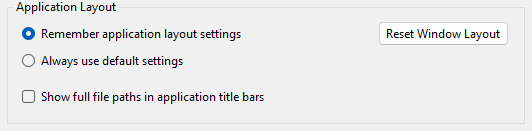
- Remember application layout settings
- When set, XJAnalyser will store the position of chain view panels.
- Always use default settings
- When set, XJAnalyser will always default back to a standard layout when it starts.
- Reset Window Layout
- Reset to default chain view panel layout
- Show full file path in application title bars
-
When selected, this will display the full path to the opened XJDeveloper project or XJPack file in the title bar. When not selected, it will only show the project or pack file's name.
N.B. This setting affects multiple applications
Prompts
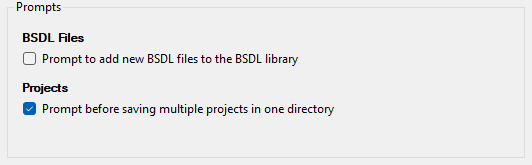
Certain actions in XJAnalyser prompt for confirmation but allow the user to disable future confirmation messages. This series of checkboxes allow the user to re-enable the messages if wished.
XJTAG v4.2.5