
Logic And Connection Panel
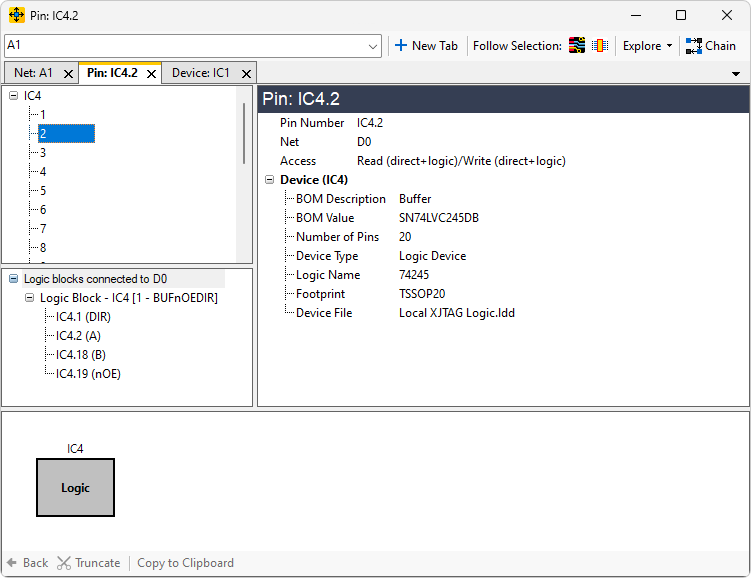
The Logic and Connection Panel is only visible when the object selected in the Primary Navigation Panel has logic and/or connections in its net.
Example of expanded logic
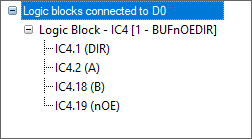
N.B. The logic blocks are numbered in square brackets []. This is to aid reference within the panel if multiple logic blocks are connected but have no meaning beyond this. The same logic block may therefore be numbered differently when you view different nets.
Example of expanded connections
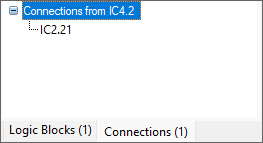
Note that when both Logic and Connections are available, tabs are used to choose which to display.
XJTAG v4.2.5