
Overview
The Explorer tool is useful for navigating around the circuit, and shows how pins, devices and nets are connected. It also shows relevant properties of all the circuit elements (the properties shown vary depending on the type and properties of the element selected).
The Explorer tool can be launched by right-clicking on any reference to a device, net or pin in the user interface, and selecting
 Explorer or by clicking the
Explore... button where available. It can also be launched from the View menu, the main toolbar, or by pressing Ctrl + E.
Explorer or by clicking the
Explore... button where available. It can also be launched from the View menu, the main toolbar, or by pressing Ctrl + E.
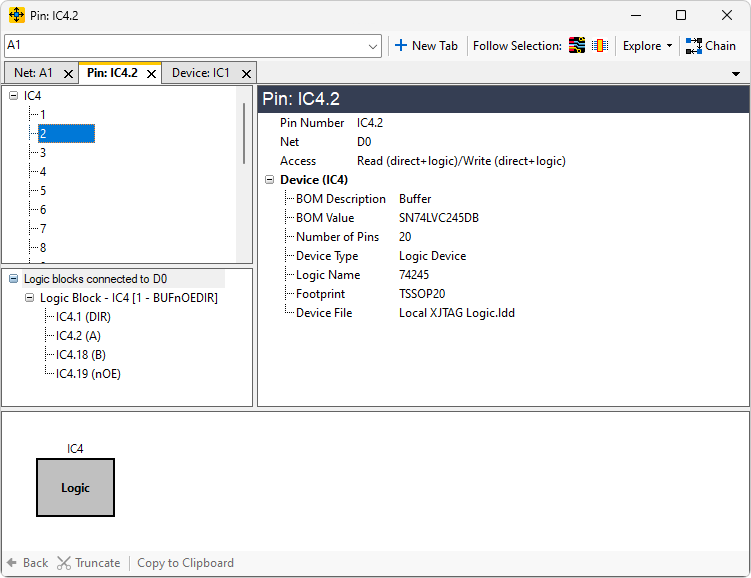
Once the window is open, you can click your way around the circuit. Depending on where Explorer was launched from, a new tab will be created that will either be empty, or display a device, net, or pin.
When an item is explored, a list of pins to navigate to will be shown in the top left pane. Click on one of these items to display properties in the Details Panel, and double-click on it or drag-and-drop it to the bottom panel to start exploring the netlist.
Every time a new net/device is explored the list of pins in the Primary Navigation Panel will update to show pins which are accessible from this new location.
XJTAG v4.2.5