
Running Variant Projects
When an XJPack file that includes variants is opened in XJRunner or XJInvestigator (or on XJDeveloper's  Run Tests screen), the Variant dropdown menu in the tool bar allows you to select which variant to run:
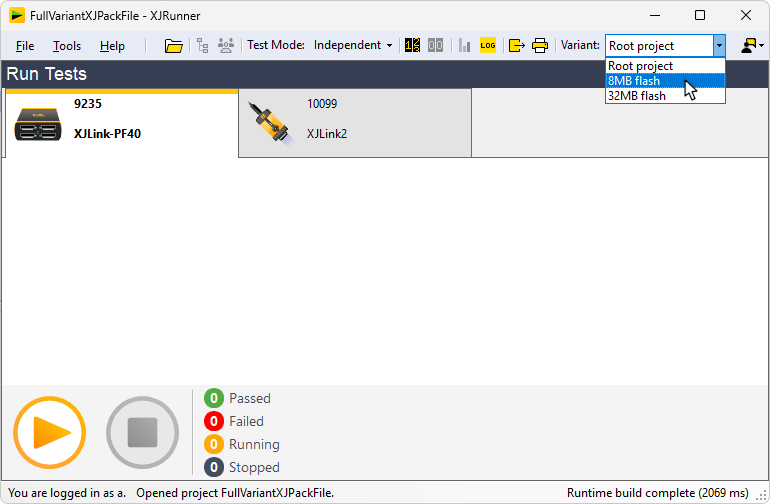
Figure 33: Selecting a Variant at Runtime
- Rather than sending the Production team an XJPack file that contains multiple variants, it may be better to create individual XJPack files where each one has only a single variant. This minimises the chance of them running the wrong test list.
- The Project Management settings in XJRunner and XJInvestigator do not show information on variants and will affect the test list globally across all variants. Changing those settings without visibility of how variants are set up can break the variant projects and should therefore be avoided. To remove this risk, it is recommended that the privileges in the XJPack file are set so that users cannot edit the Project Management settings. For guidance on how to do this, refer to the user guide on Sharing Projects.
XJTAG v4.3.1