
Select ICT Machine Type
When there is not yet any ICT information associated with the board, the dialog will initially display a drop-down list which contains all ICT machine types currently supported by XJTAG. If the board currently has ICT information associated with it, then the dialog will display the files being used to provide this information.
The external hardware types which are currently supported by XJDeveloper are:
- SPEA Bed of Nails Machine
- SPEA Flying Probe Machine
- Takaya Flying Probe Machine (requires XJLink2 hardware upgrade - please enquire via XJTAG support)
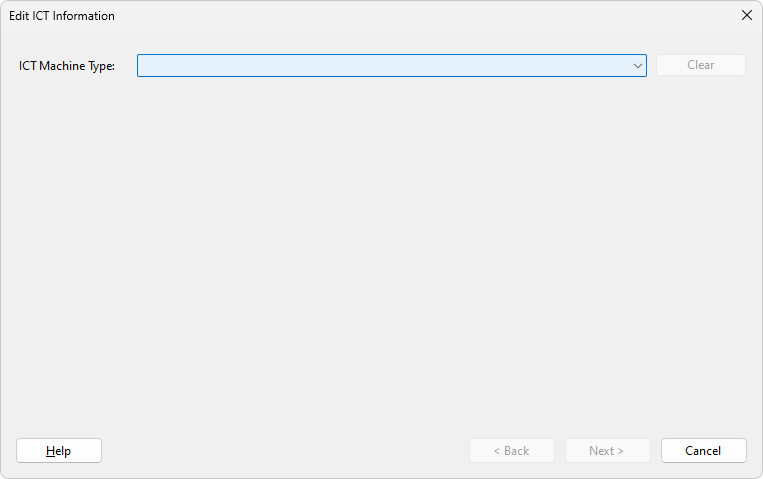
Once the machine type has been selected, click Next > to configure the selected external hardware.
Click Clear to remove any existing external hardware from the board.
XJTAG v4.2.5