
Primary Navigation Panel
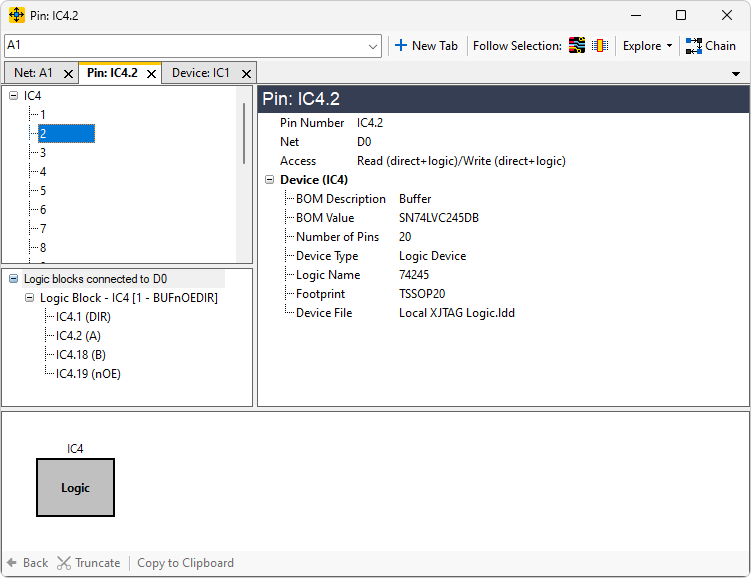
The Primary Navigation Panel is the main way to explore the circuit. Single click on items to display more details about them in the Details Panel. Double click on items to explore into them. The parent nodes are always either devices or nets. Children nodes are always the pins found on the device or net. If nets are linked or coupled together, all related nets will be displayed.
Example
Select a device
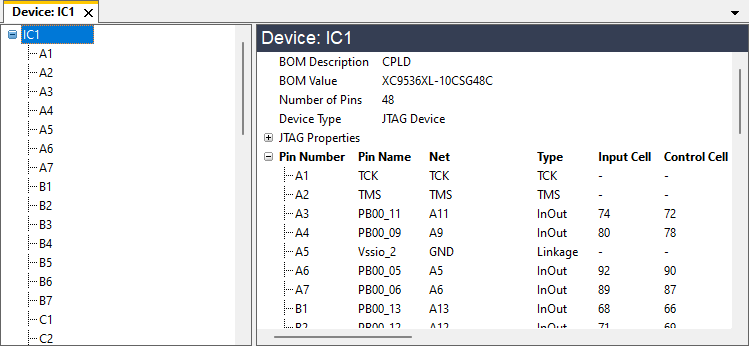
The details for IC1 are displayed in the Details Panel
Select a pin on the device
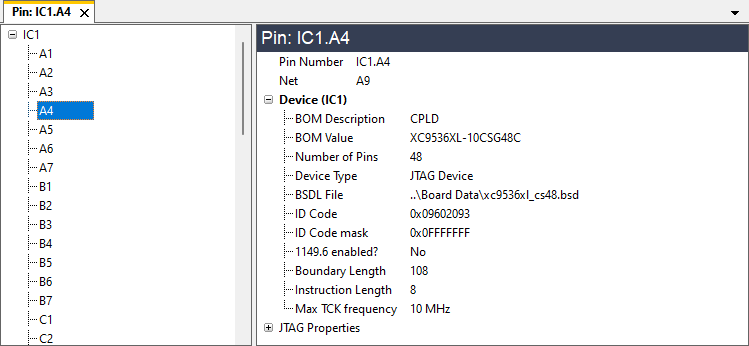
The details are updated in the Details Panel to show information about the pin.
Double-click a pin
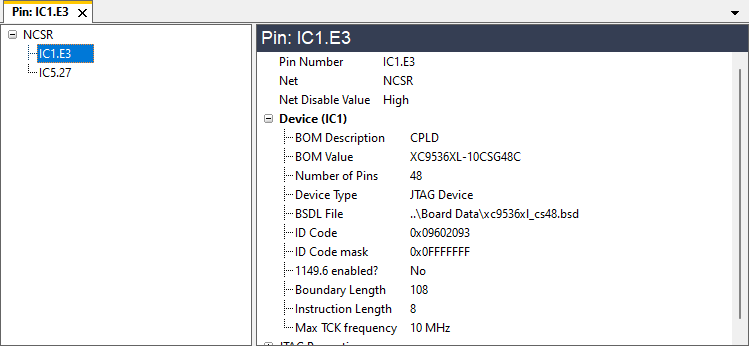
The Primary Navigation Panel is now exploring the net that the double-clicked pin is on (in this case the pin E3 is on a net called NCSR). The Details Pane shows the details of the pin, since this is the object that is selected.
Linked and coupled nets
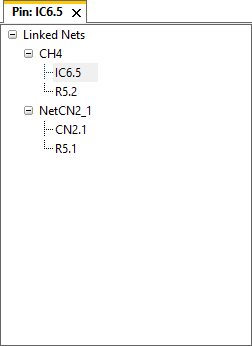
When exploring a net which is linked or coupled to other nets, the panel shows all related nets like this.
XJTAG v4.2.5